Usage paths
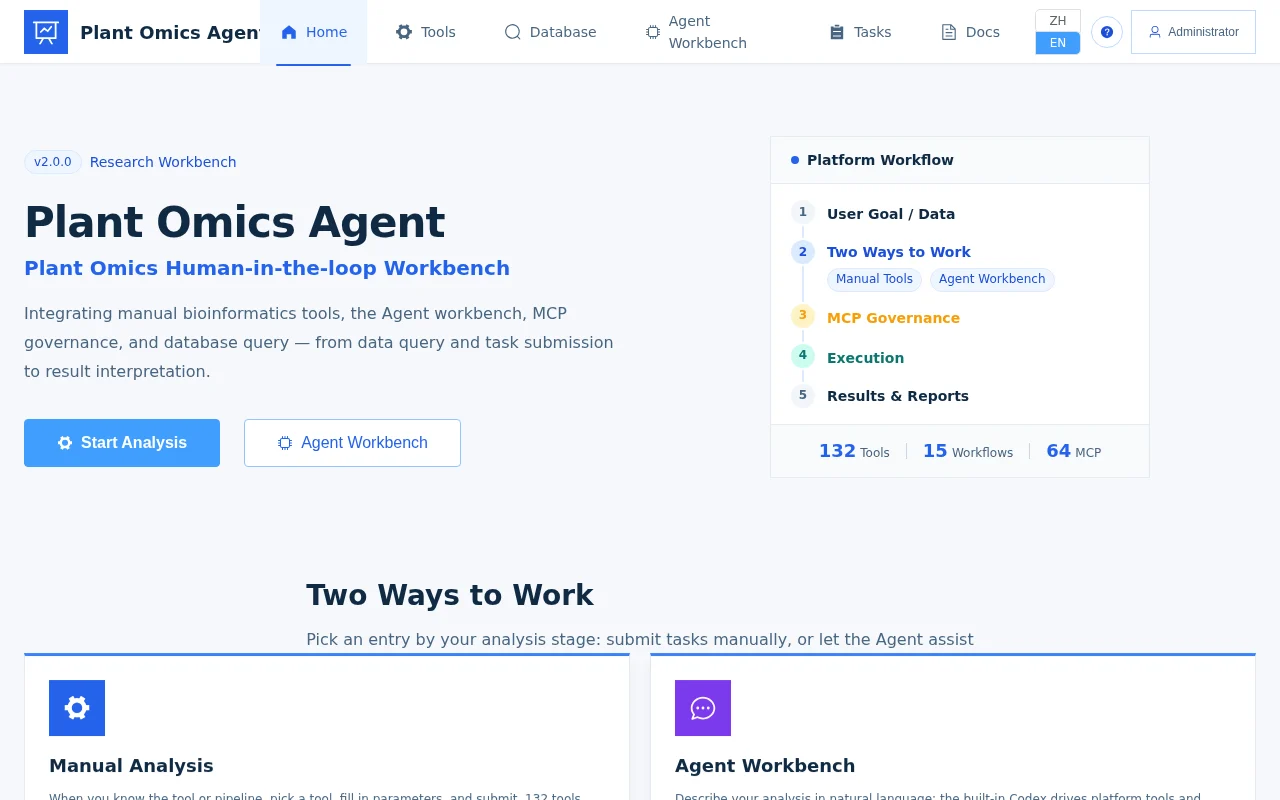
Plant Omics Agent offers two usage paths and three entry types. The path decides how you work; the entry decides where you work from — and you can combine them freely by scenario.
Two usage paths
| Path | How you work | Best for |
|---|---|---|
| Manual Submission | Tool catalog → select tool → fill parameters → submit task → inspect logs → download results | You know what to run and want transparent, controllable parameters |
| Agent-Assisted | Describe your need in natural language in the Agent Workbench; the Agent calls tools, queries databases, and reads logs under tiered permissions with write confirmation | Exploratory analysis, cross-database evidence, uncertainty about tools |
Both paths call the same tool and task system. Tasks submitted manually and tasks submitted by the Agent all land in the same Tasks page, with identical records for logs, artifacts, and parameter snapshots.
When to use Manual Submission
- You already know which tool to run: if you just want to run DESeq2 on an expression matrix, picking the tool and filling the form is fastest;
- You need transparent, controllable parameters: every parameter is visible and editable in the form, and the parameter snapshot after submission makes runs reproducible;
- Teaching and demos: every step (select tool → fill parameters → watch logs) is clearly visible — great for showing students how an analysis works.
When to use Agent-Assisted
- Exploratory analysis: when you’re not yet sure which tools to use or in what order, let the Agent propose candidates and an approach;
- Cross-database evidence integration: when you need to query MaizeGDB, PlantTFDB, JASPAR, and more, then combine the results, the Agent orchestrates it in one pass;
- Uncertain about tools and parameters: describe what you want to do and the Agent queries tool schemas via MCP to help you pick tools and assemble parameters;
- Result interpretation: hand a task log or result table to the Agent and have it explain what’s significant and what to do next.
The Agent is not a free agent: write operations (such as submitting tasks) require your confirmation (L2 gate), and every call is audited. See MCP governance.
Three entry types
| Entry | Where | Positioning |
|---|---|---|
| Manual Web UI | Home page → Analysis Tools / Databases / Tasks | Main entry for the Manual Submission path |
| Agent Workbench (built-in Codex runtime) | Home page → Agent Workbench | Main entry for the Agent-Assisted path |
| RStudio | Platform RStudio entry (browser-based RStudio Server) | An independent, optional R execution stack (interactive R analysis) — see RStudio analysis |
When to use RStudio
- R power users: you’re used to writing scripts, installing packages, and running statistics in R;
- Interactive statistics and plotting: exploratory data analysis that needs live iteration, or R packages the platform tool catalog doesn’t cover;
- Working alongside the platform: RStudio shares the platform’s workspace files, tasks, and artifacts, and the Agent can also help maintain and run R scripts under controlled conditions.
Combining them
In practice the three entries work together: explore the route and gather evidence with the Agent → submit the formal analysis manually (or have the Agent submit it) → switch to RStudio for interactive plotting when you need fine-grained polishing. Every task, log, and artifact stays traceable in the same system throughout.
In depth
- Manual mode: tool catalog, parameter forms, and task management.
- Agent-assisted mode: using the workbench, platform skills, and confirmation gates.
- RStudio analysis: the self-hosted R stack and working with sessions.